Art Smuggler

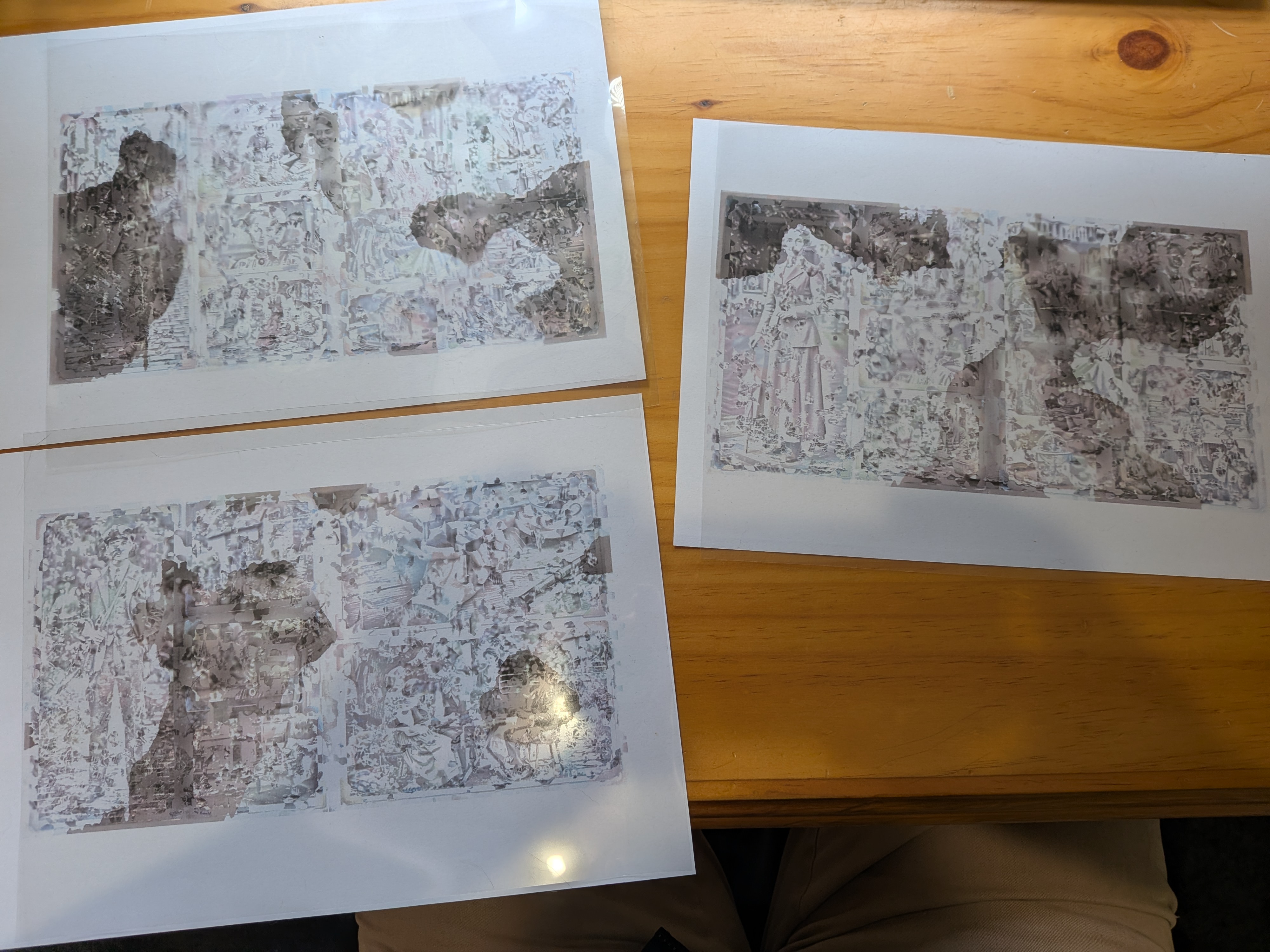
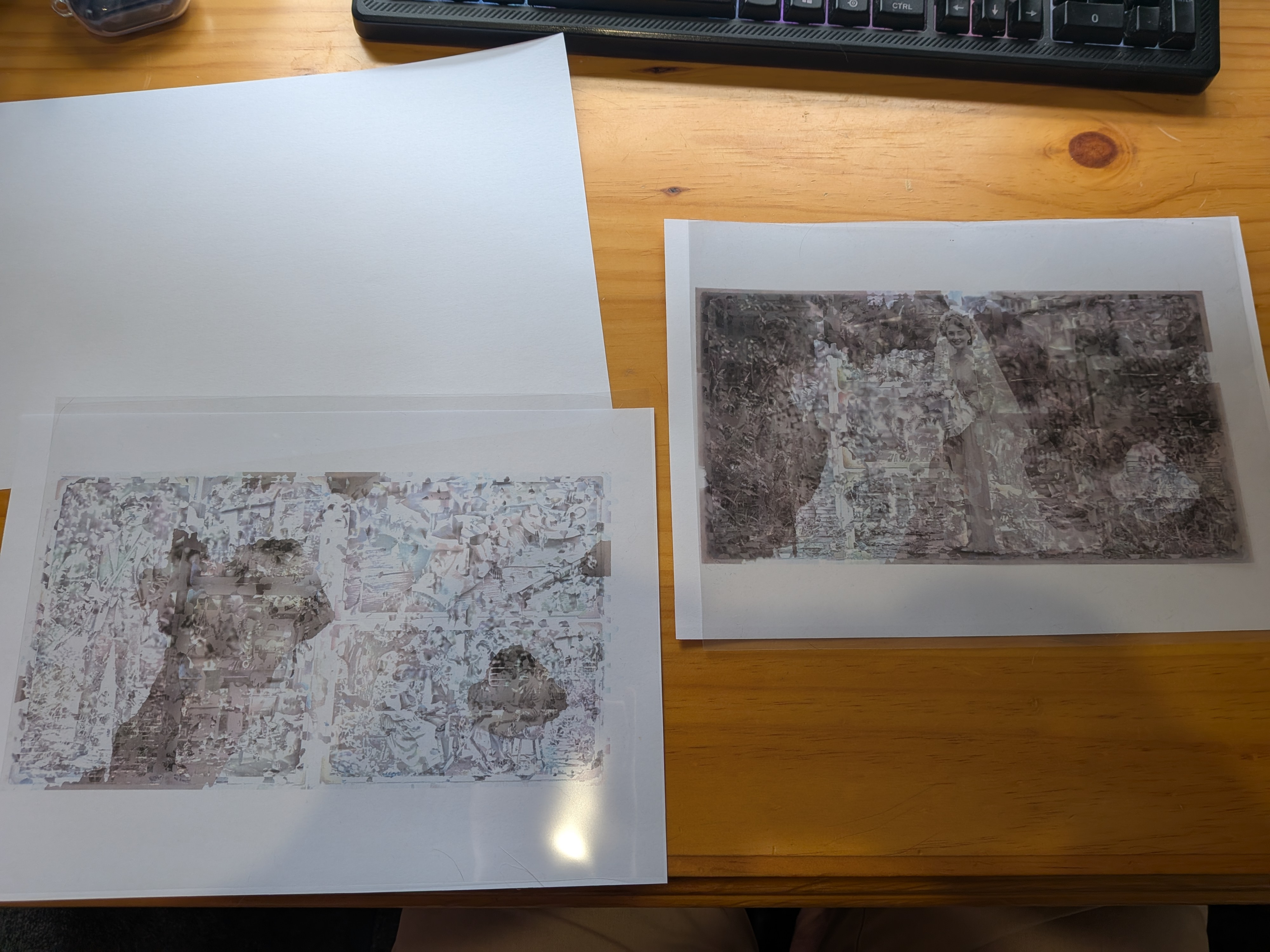
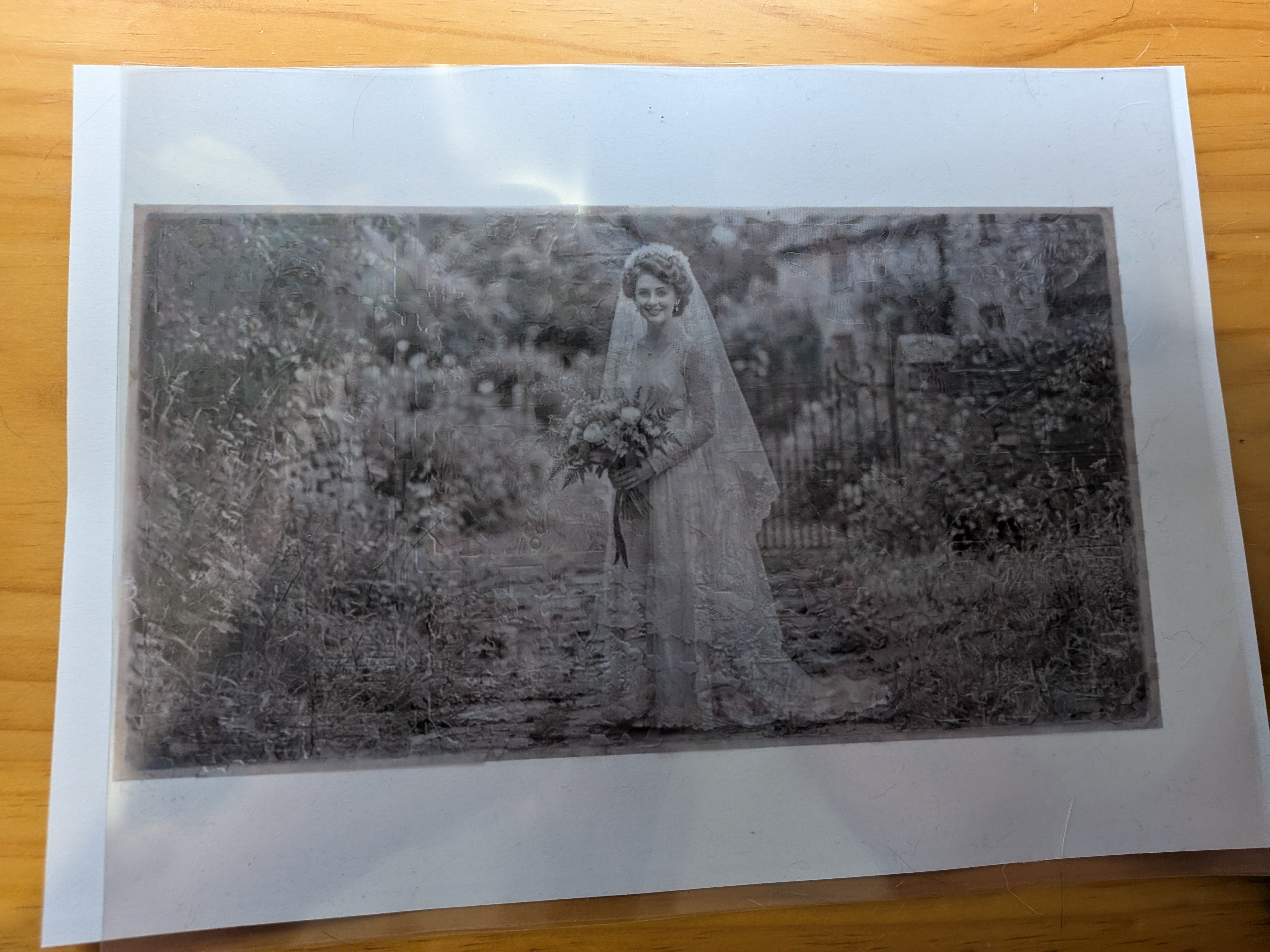
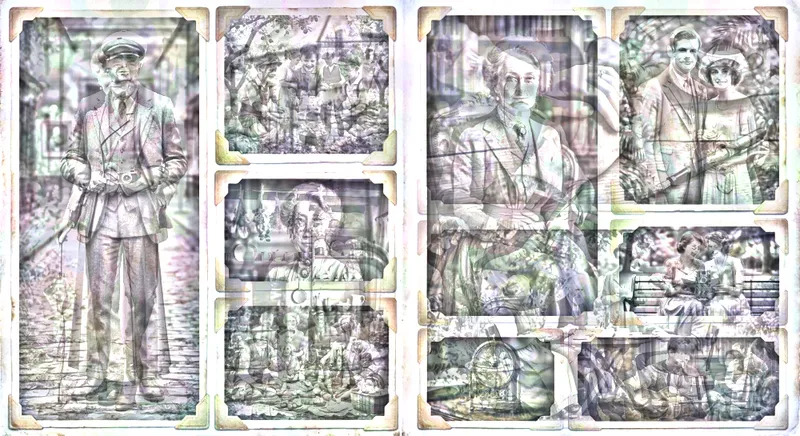
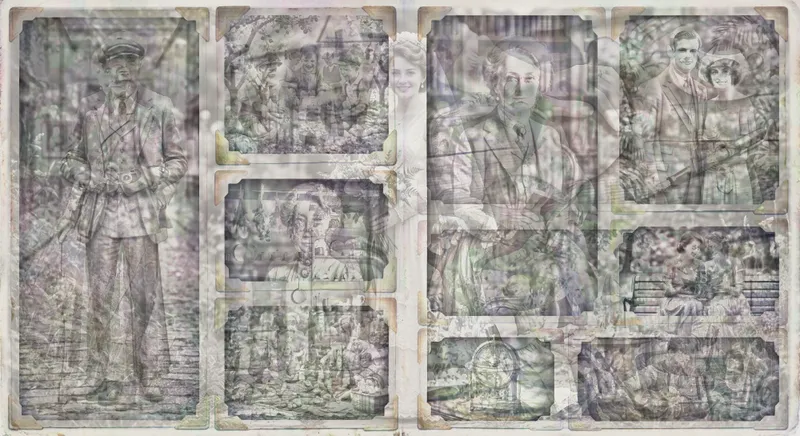
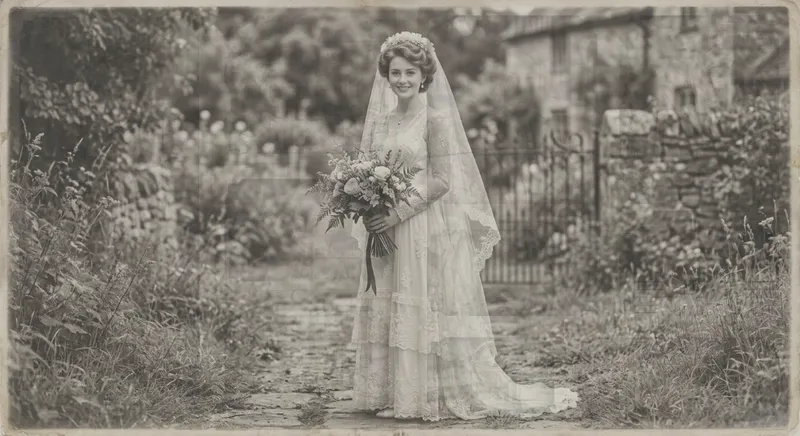
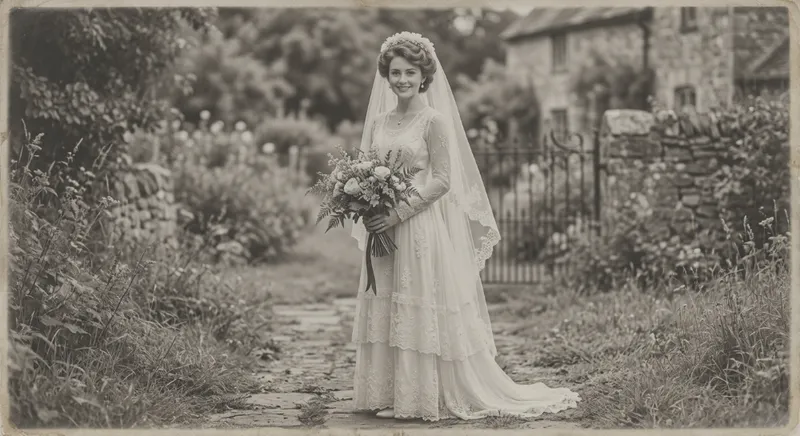
It looks fake, but it’s real! Please excuse my janky alignment method here, it’s hard to get everything lined up by hand.
Motivation
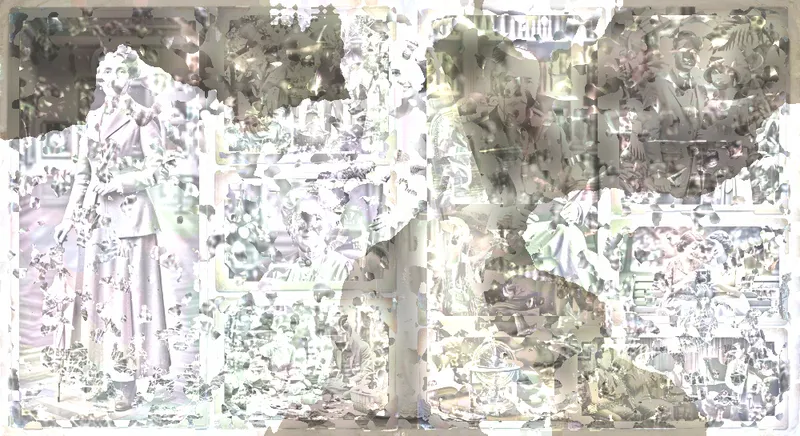
I didn’t invent this idea. I saw this really interesting art work by Petros Vrellis, a Greek artist and engineer. He has created multiple semi-transparent images, that when stacked and illuminated with white light, reveal a new image.

As mentioned on his website, this art was meticulously handcrafted and took a “a considerable amount man-hours”.
I wanted to see if I could create something similar using an automated process.
How it works
The idea is that red light, green light, and blue light combines into white light. But we’re not generating light, we’re filtering it out. A red filter, a green filter, and a blue filter stacked on top of each other appears black. By carefully choosing the patterns on each of our layers, we can create unique images that combine to form the target image.
I played with MANY different approaches, too many to list here, but I’ll step through my favourite one.
1. Squeeze the brightness
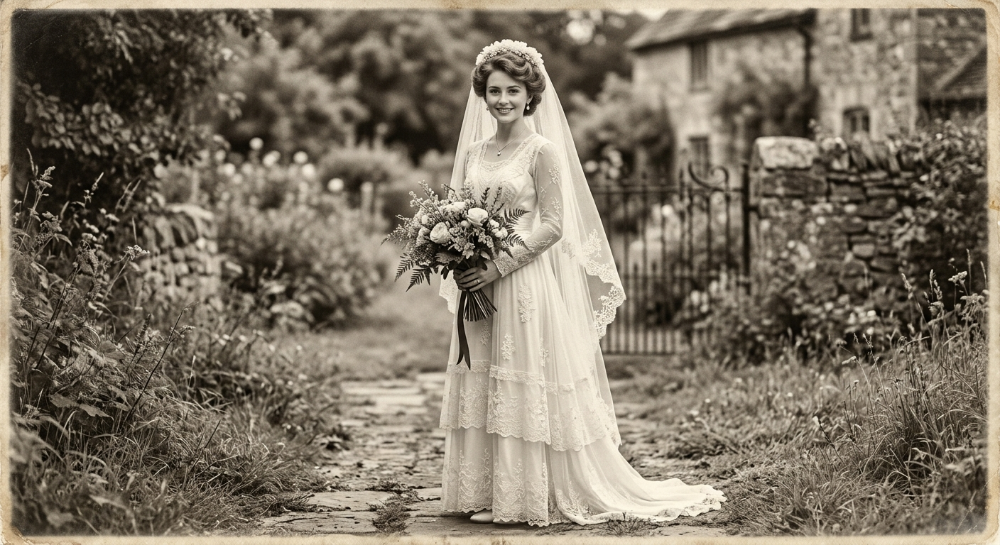
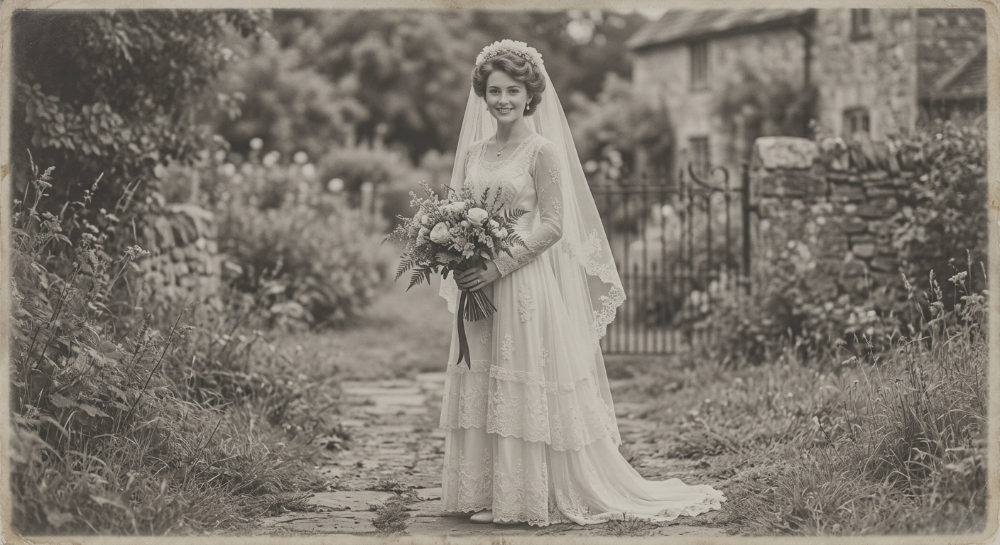
Because each layer filters out light, producing a pure white pixel forces every layer to have that pure white pixel. So we reduce the maximum brightness to give us some wiggle room for the images we can use on the layers.
Having a big range of brightnesses in the image makes it more difficult to hide the target. Making the image too dark looks bad, so we also lift up the darkness.
2. Tint each layer
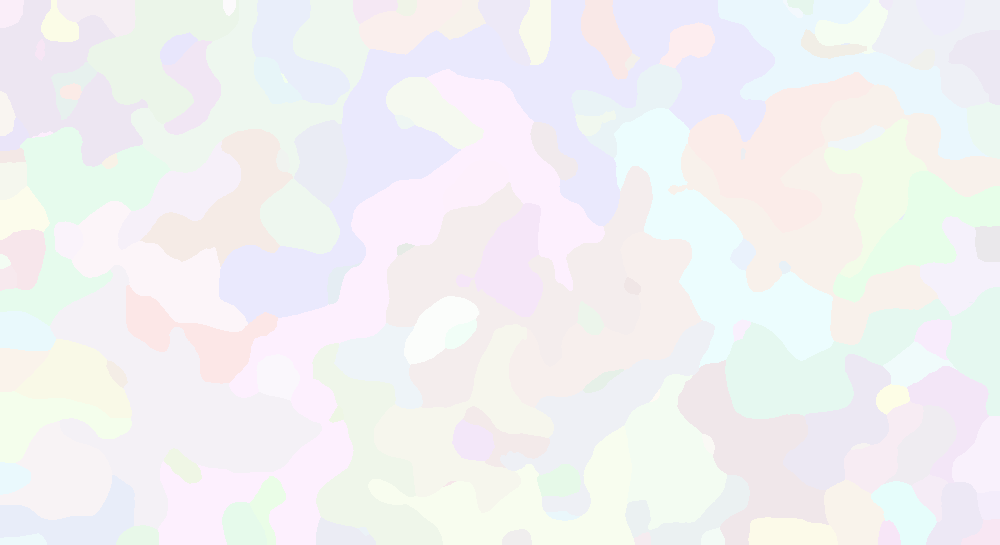
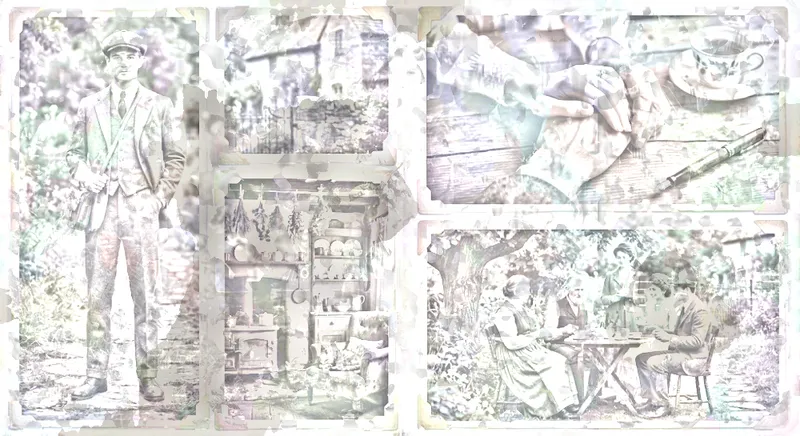
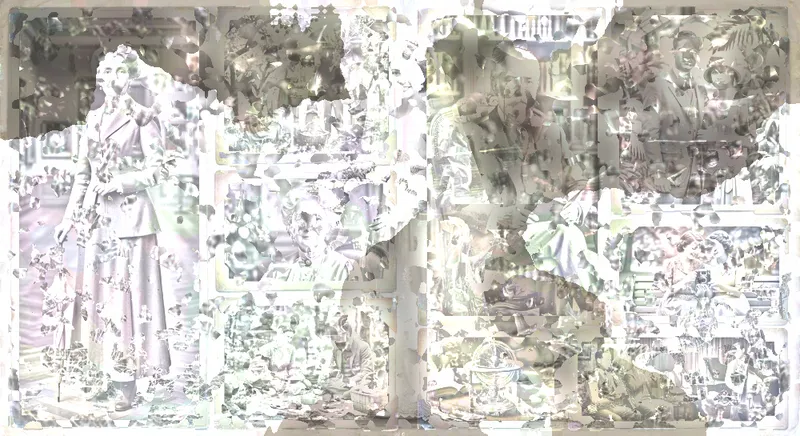
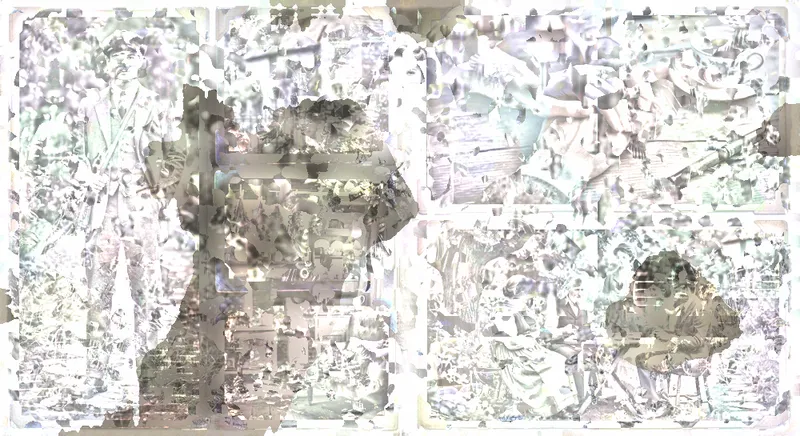
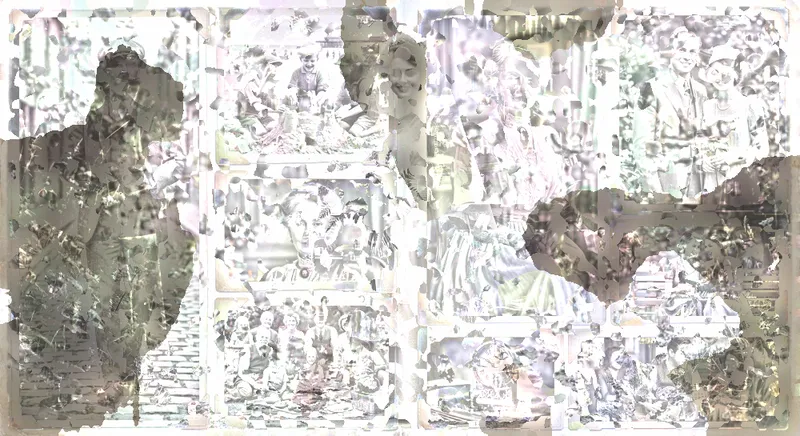
This step is not super important, but helps add splashes of colour to each layer. Using a random noise generator with some blur, I created these random blobs.
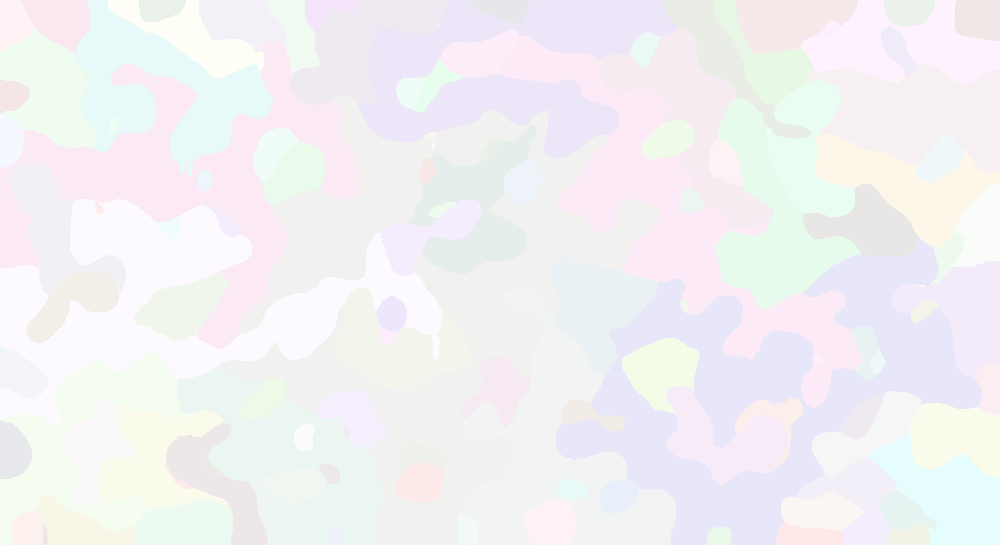
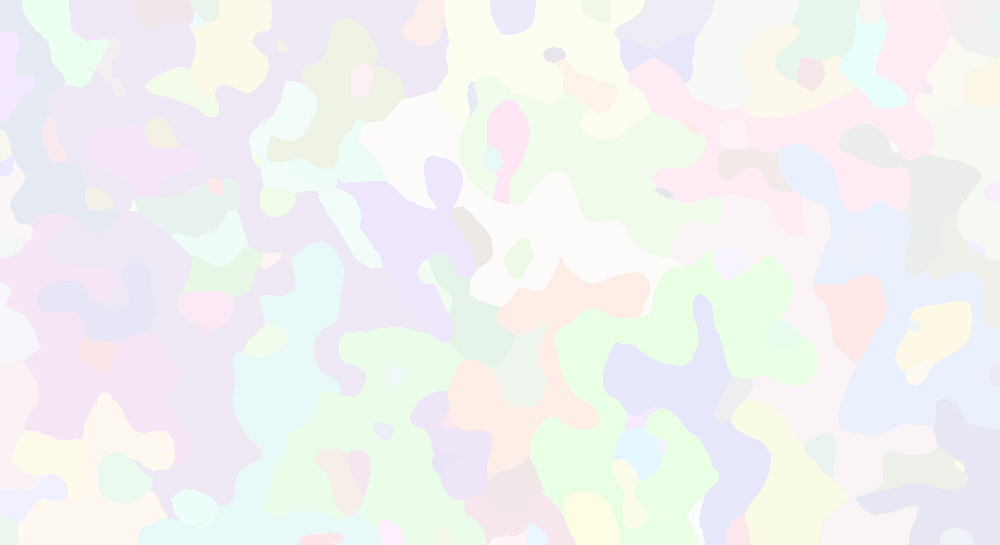
3. Add decoys
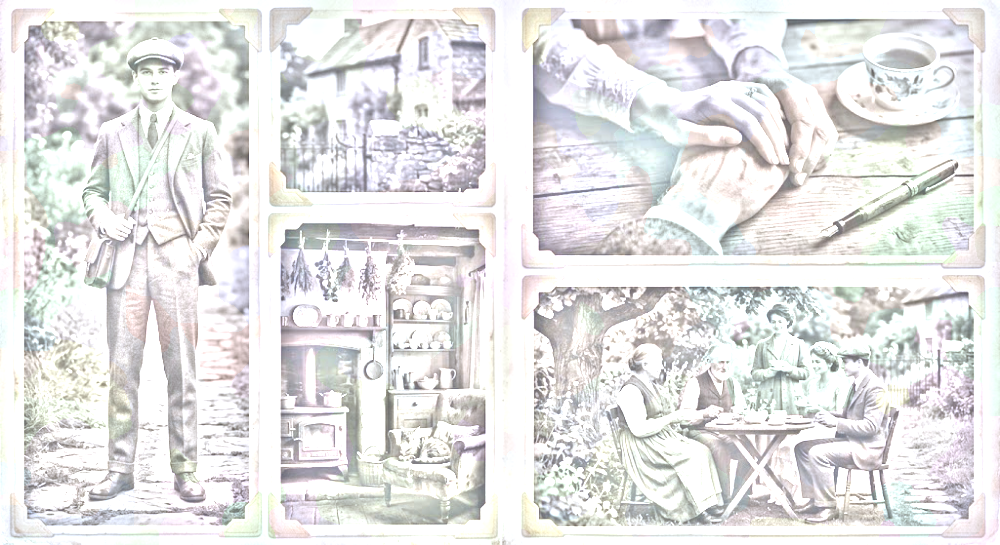
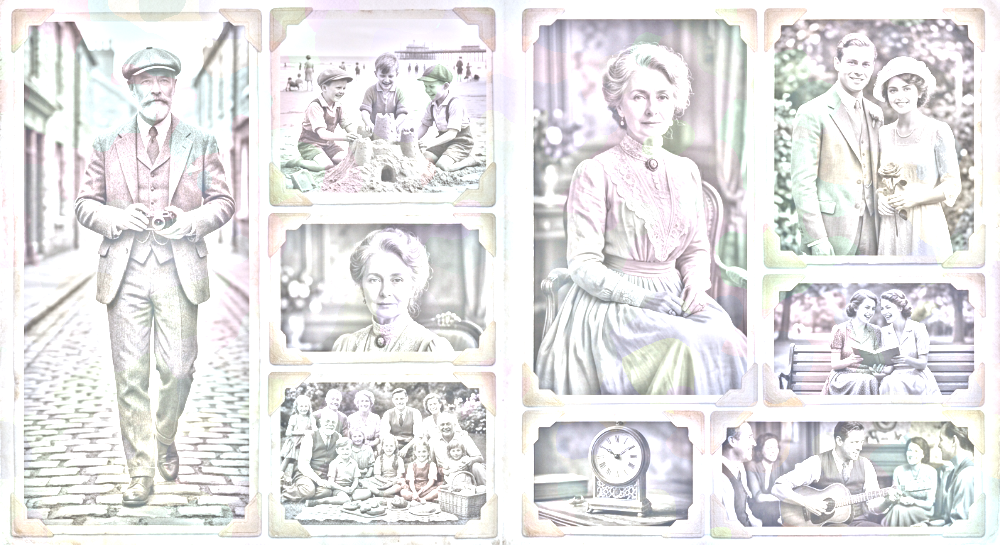
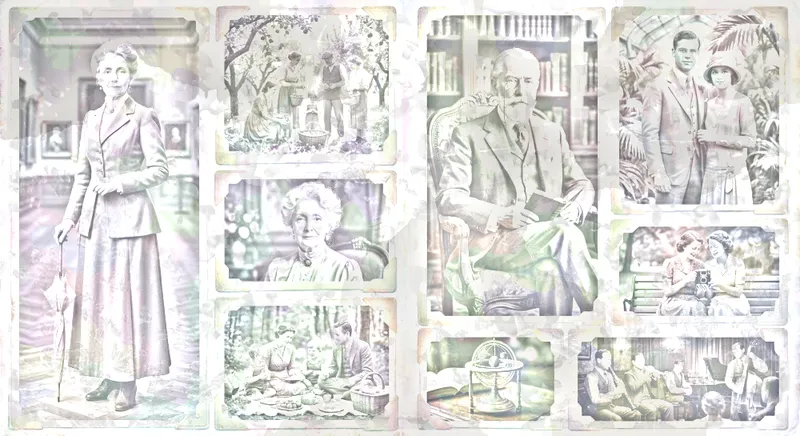
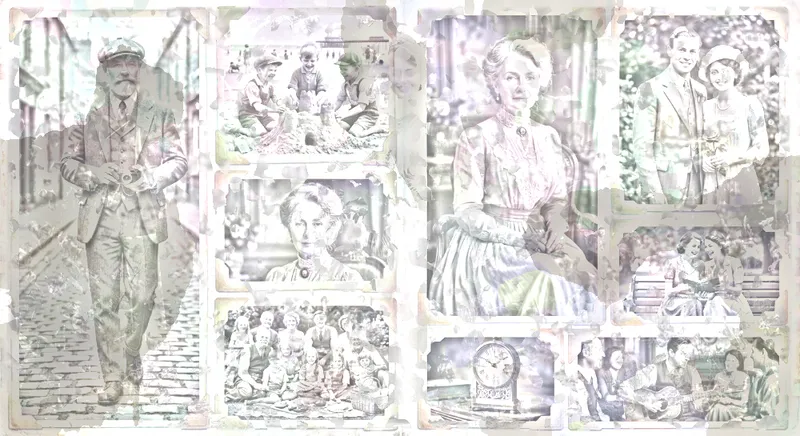
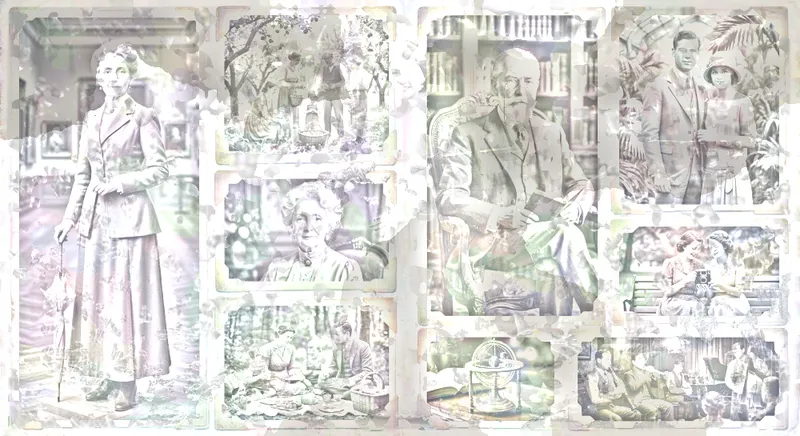
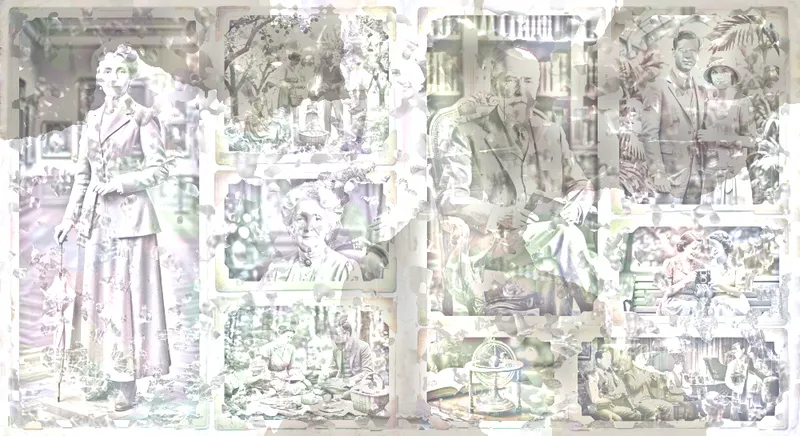
Features from the target image are hard to hide, given our biology has evolved to recognise features out of noise. So I use some decoy images, made of similar content and style. I also like how this fits thematically: someones tangled memories, once aligned, reveal what is most important to them. These are combined with the tints and heavily brightened, to avoid overdarkening the target image.
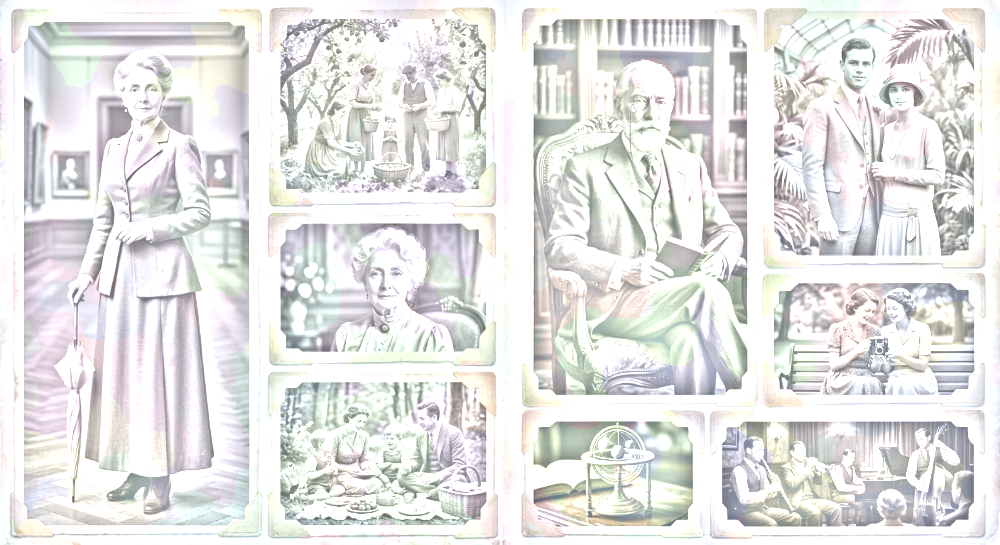
4. Designate ownership
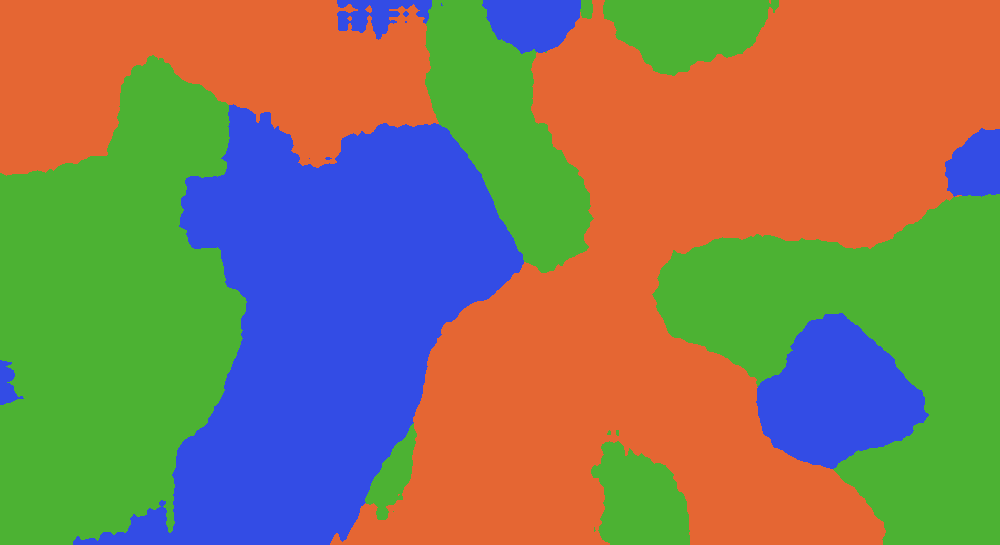
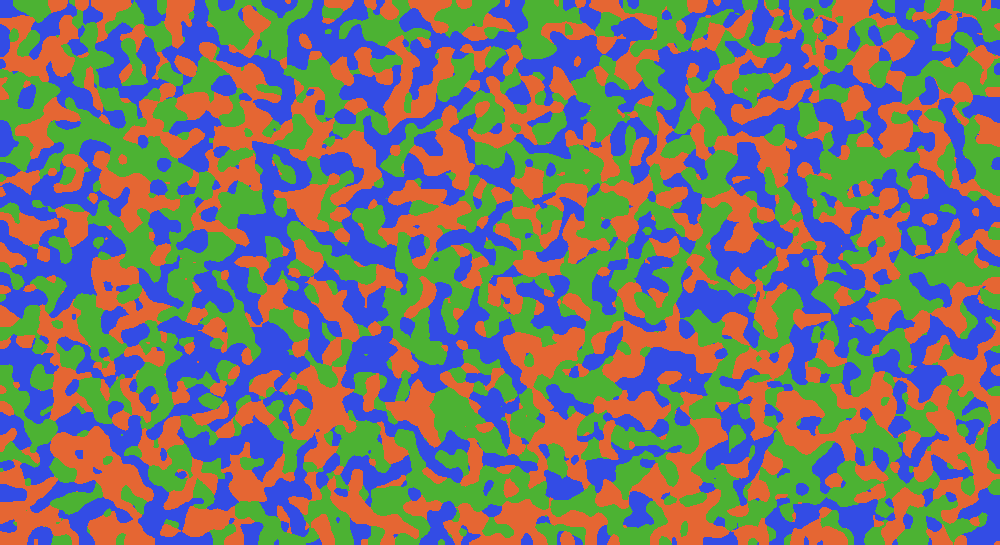
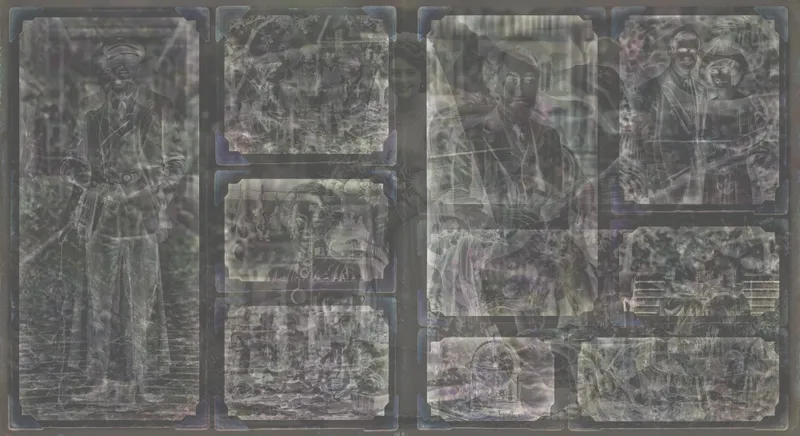
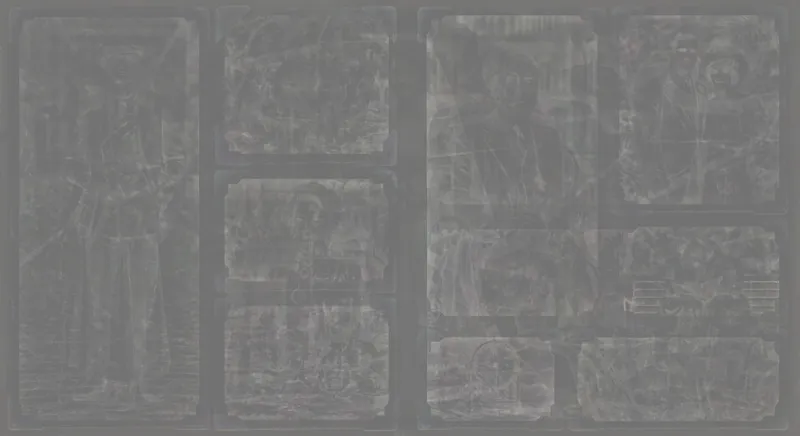
In the next step, we are going to iteratively calculate the difference between our stack (what it looks like when layers are combined) and our target. We then apply the difference on one or more layers. Which layers? That’s what this decides.
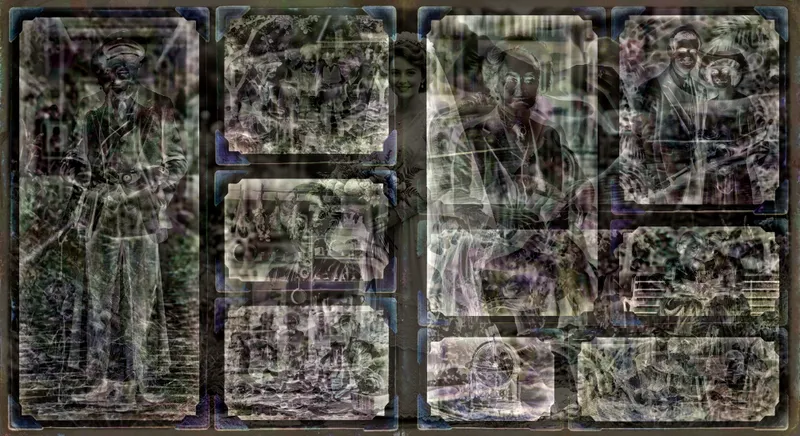
To choose, we first apply a gaussian filter (blur) to the diff, and apply smooth diff to one layer, and the detailed diff to another layer.
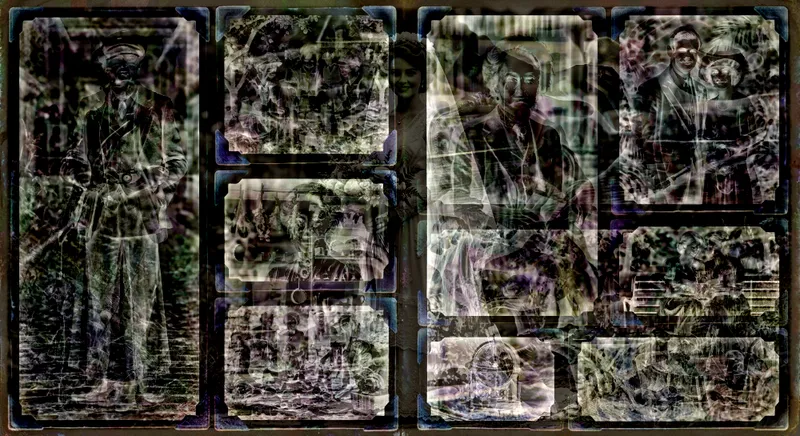
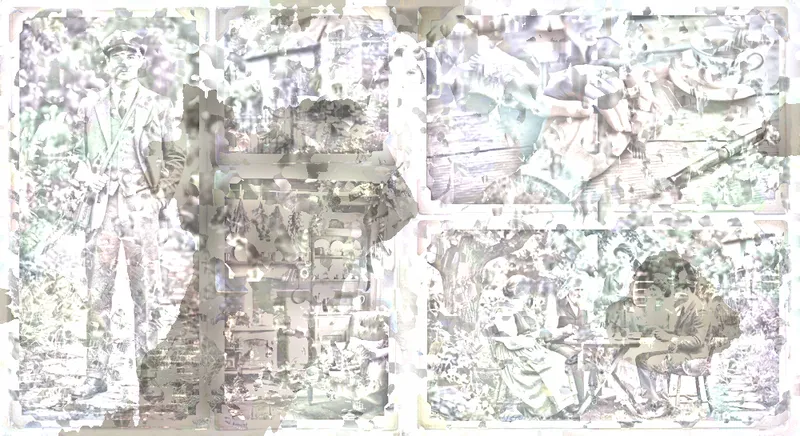
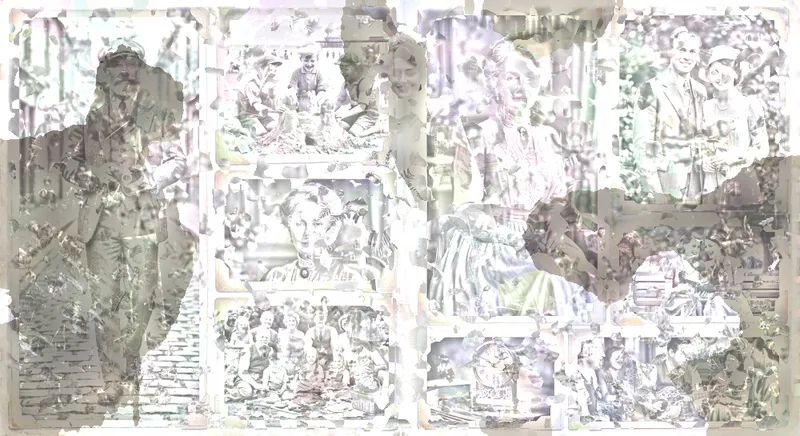
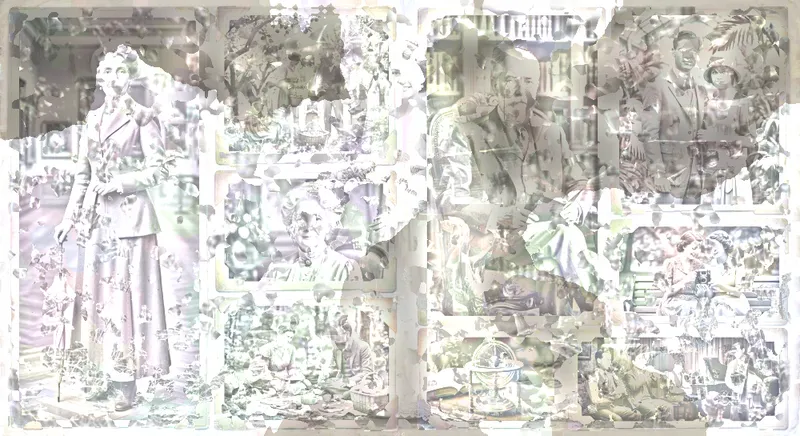
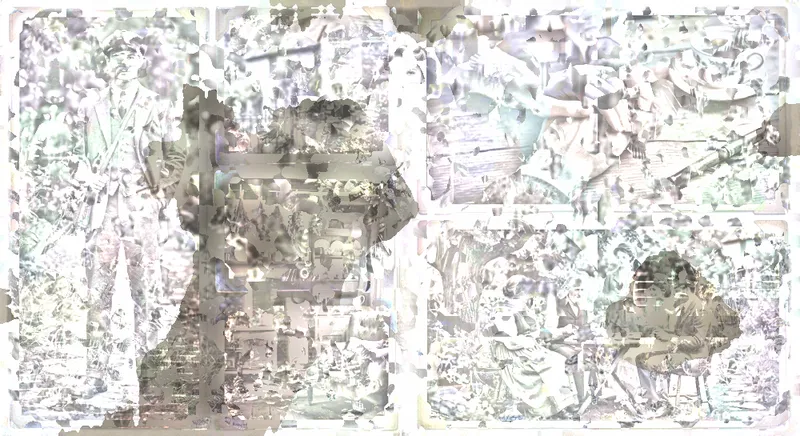
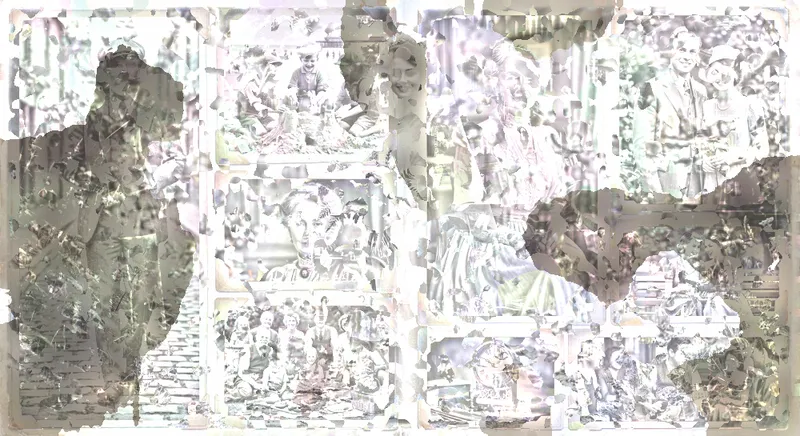
In these images, each colour represents which layer the diff is applied to:
5. Nudge towards the goal
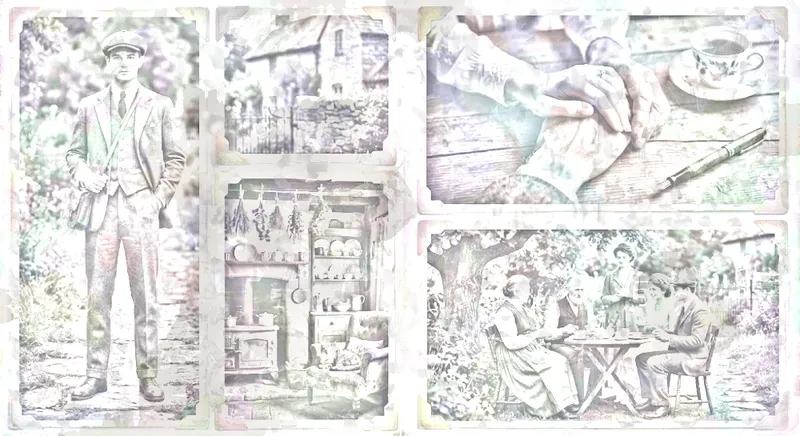
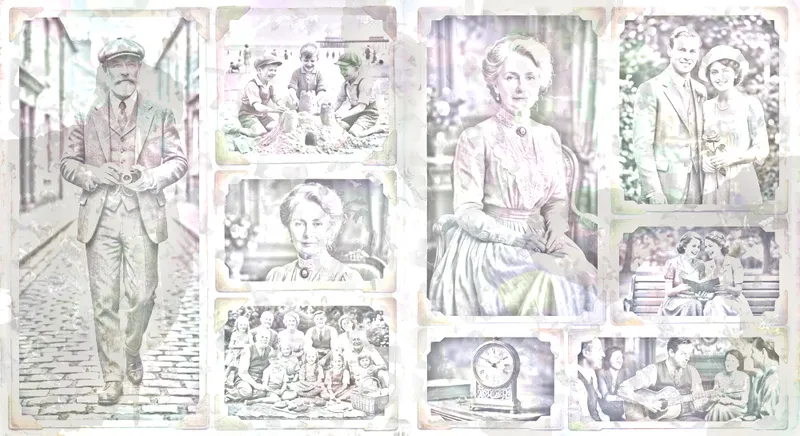
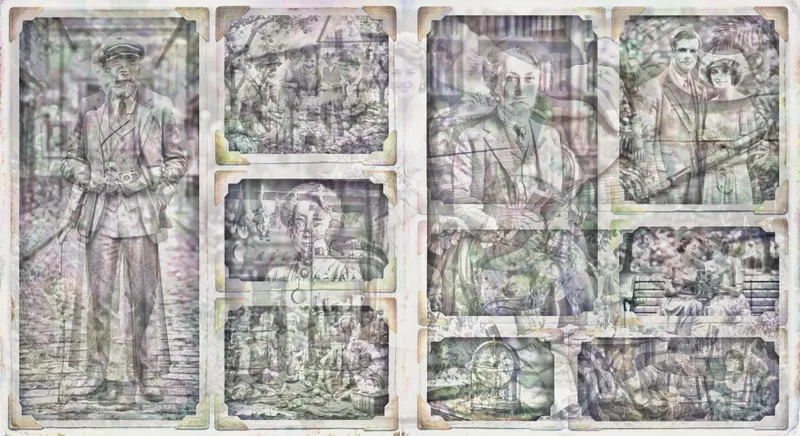
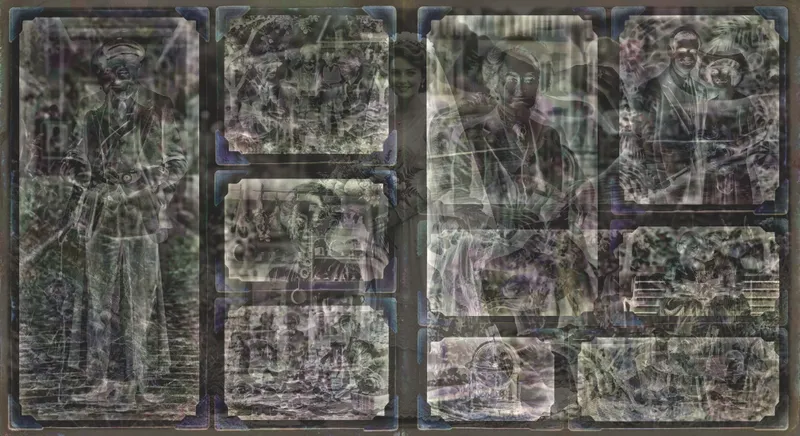
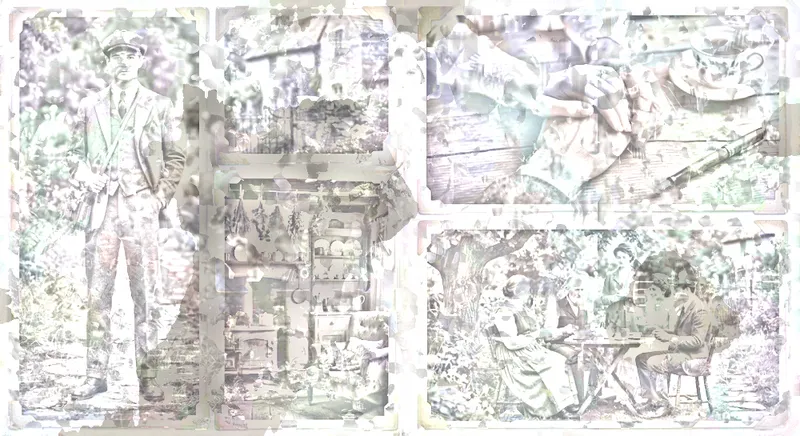
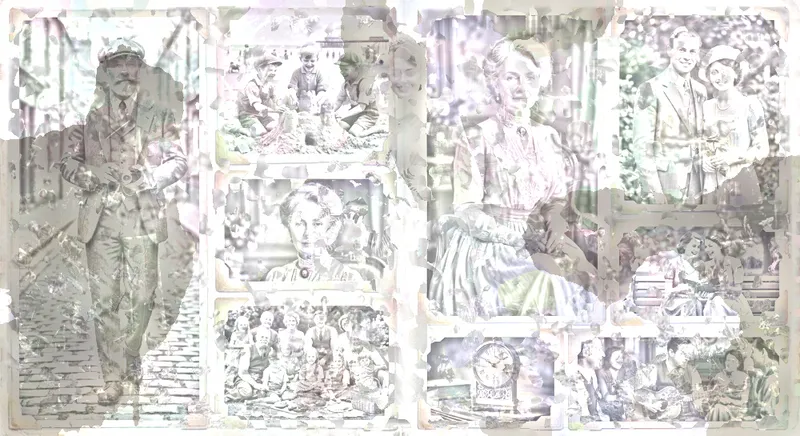
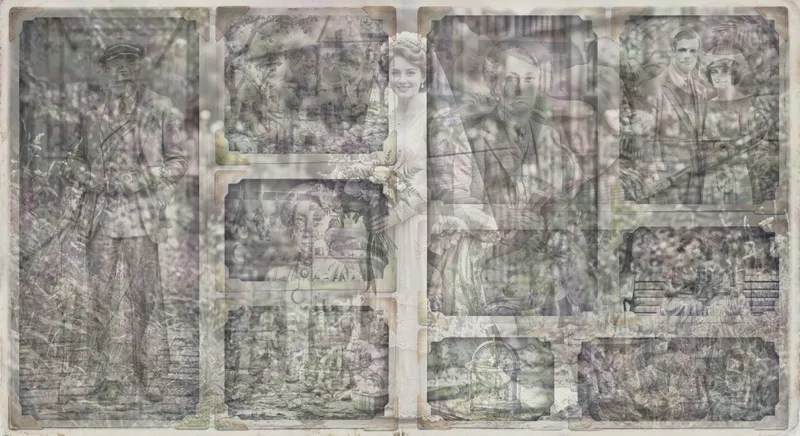
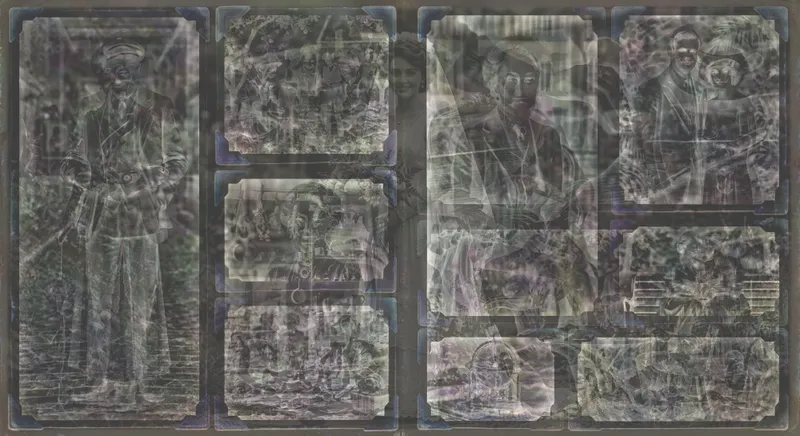
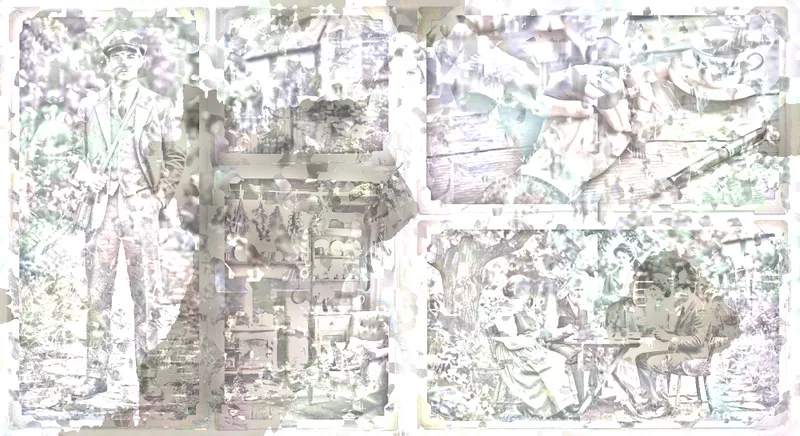
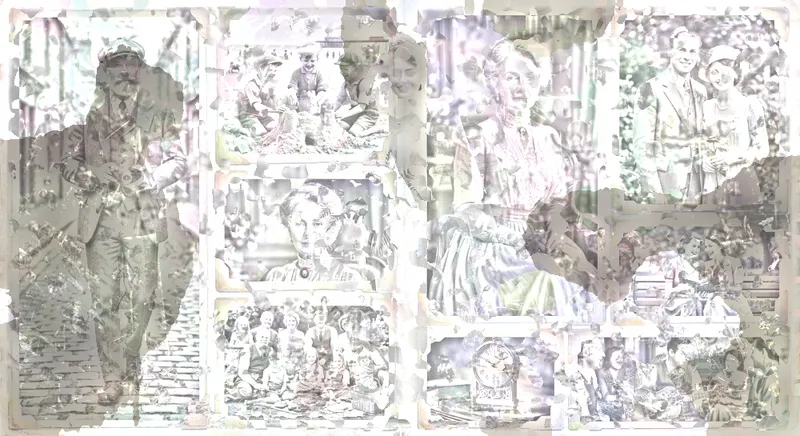
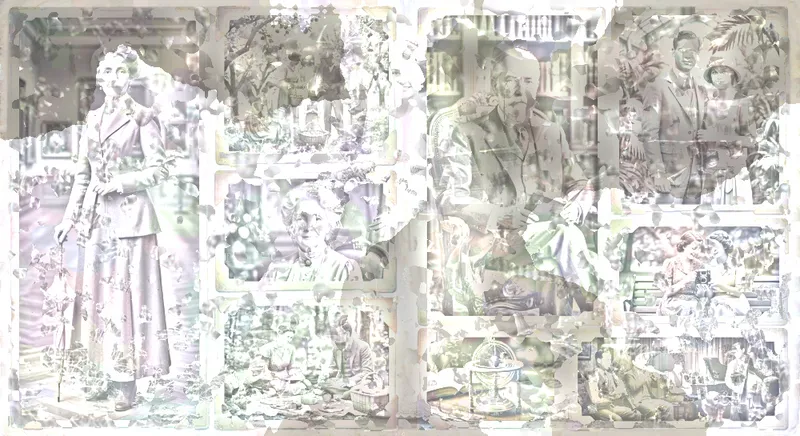
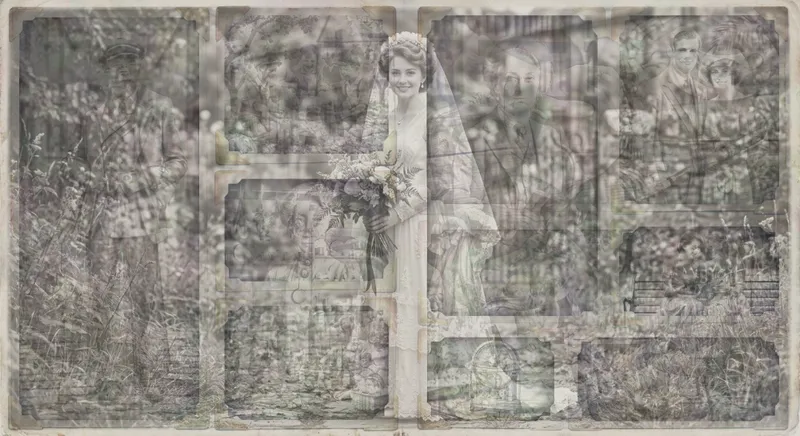
Every step compares the difference from what we have to what we want, and applies changes to the layers that own the diff.




Try it
Drag the layers around, then align them to reveal the image.